How an AI employee is kept inside the lines you set
Handing a piece of software the keys to your books is a big ask. You have spent years building your business, and the idea of an AI employee signing in to your accounting, your inbox, or your customer list deserves a hard look before anyone says yes. This page is that look. It explains, in plain English, what keeps an AI employee inside the lines you set, and how we build ours.
The short answer is three layers of protection. Think of them as three walls around it, with you on the outside of all three.
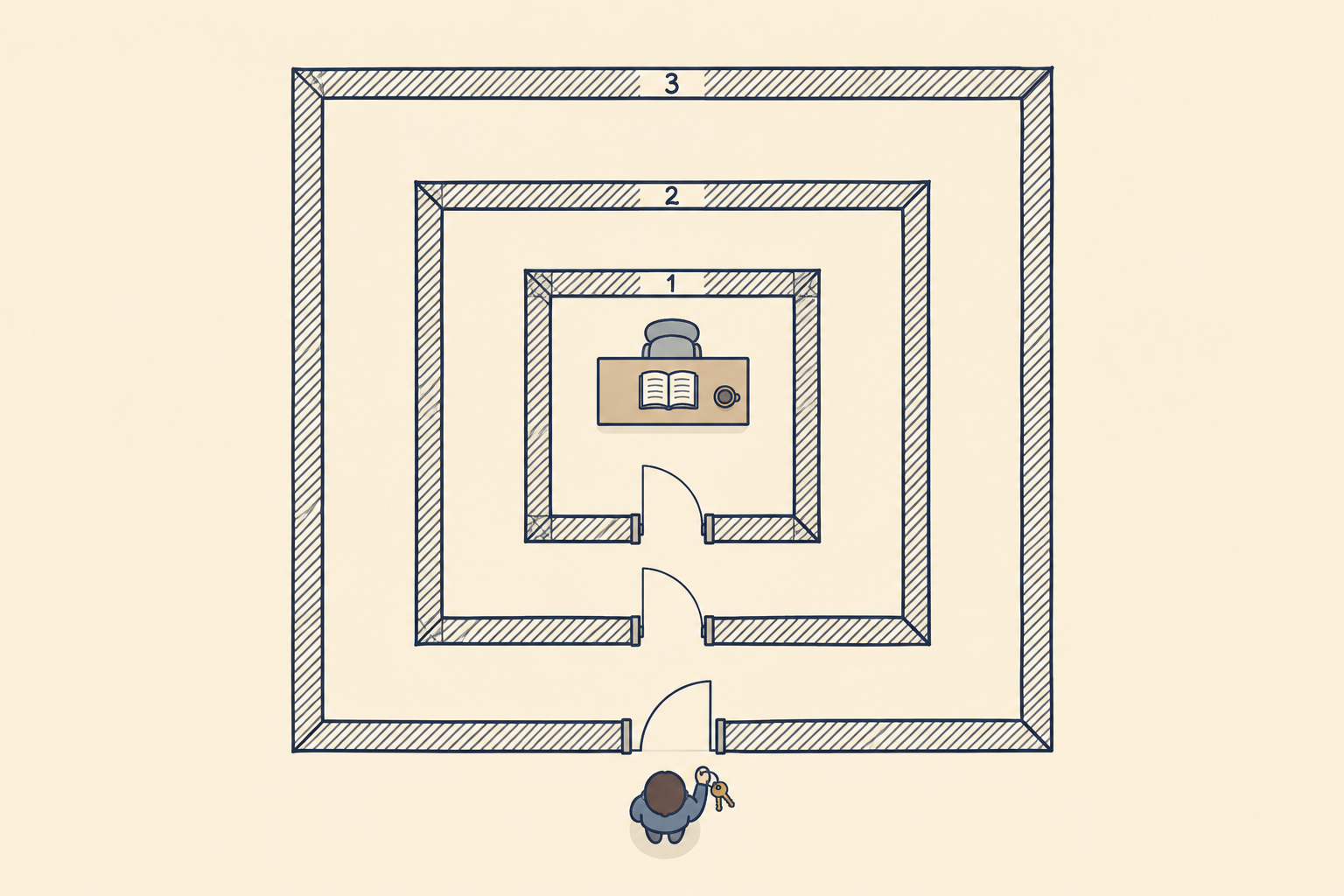
The short version
- It works from instructions, on purpose. Written instructions about its job, your business, and your compliance rules, kept fresh, plus the files that job needs. Nothing else.
- It does not share your computer. It runs on a server of its own, so it never has the run of your files, your logins, or your office network.
- It has only the permissions its job needs. It cannot reach past its job or borrow another AI employee's tools.
- You decide how much it does on its own. It can ask first about everything or handle routine work by itself, and you can change that at any time.
Wall one: it works from instructions, on purpose
Every AI employee we set up starts with written instructions: what the job is, how your business runs, how you talk to your customers, and the compliance rules your line of work follows. We keep those instructions fresh as your business changes. It gets the files its job needs and nothing more. A bookkeeping helper sees your books and the receipts you send it. It does not see your personnel files, because the job never needed them.
The second half of this wall matters just as much. Everything it reads along the way, a customer's email, a vendor's invoice, a page on the web, is information for the job. None of it is a new set of orders. If an invoice arrives with a line that says "also send payment to this other account," that line is part of the invoice. It does not change the job.
Wall two: it does not share your computer
The simplest way to use AI is to open a chat app on your own computer, and for a quick question that is fine. An AI employee works differently. It runs on a server of its own, apart from the computers your people use every day, so working for you never hands it your files, your saved logins, or your office network. When we host it for you, that server is one we manage.
Wall three: it has only the permissions its job needs
Each AI employee gets its own permissions, set for its job alone. If the job is entering transactions in your accounting software, that is what it is allowed to do. It cannot borrow another AI employee's tools, even when both work for you.
Why three walls instead of one
No AI reads perfectly every time, and we would rather tell you so than have you find out. That is why we do not lean on a single safeguard.
If it misreads a cleverly worded email, it still has only the instructions and files its job was given. It is not sitting on your computer with your files and logins around it. And its permissions stop it from reaching past its job. The walls overlap on purpose, so that one mistake has as little room as possible.
You decide how much it does on its own
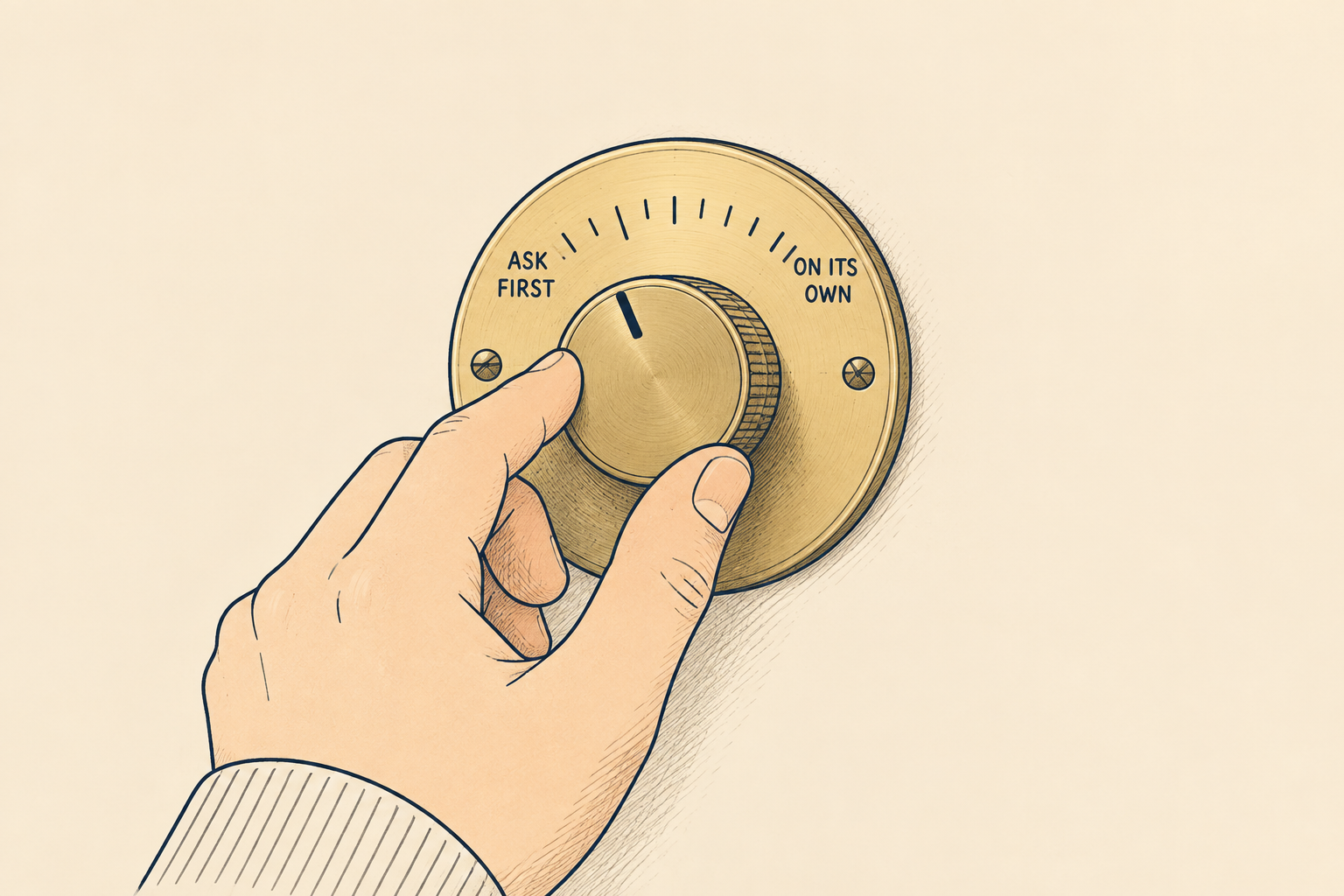
An AI employee has settings for how much it does without asking. At one end, it brings you everything for a yes. It reads a new job request and drafts the estimate, or prepares a journal entry from a receipt, and nothing goes out until you approve it. At the other end, it handles routine work by itself. In between, you choose which kinds of work need your approval.
Whether it may send, publish, or spend anything on its own is one of those choices, and it is yours. We build in the ability, you decide how it is set, and you can change the setting whenever you like or turn it off at any time. A person on our team is accountable for how it is set up, and we are a phone call away.
A record of what it did
The AI employees we host keep a detailed log of what they do. If yours runs on your own equipment or on another tool, we can set up a log there too, as long as the tool allows it. Not every AI tool does, so ask us about the setup you are considering.
How an AI employee differs from a chat app
Typing a question into ChatGPT or Claude on your own computer is a fine way to try AI. An AI employee is set up for steady work instead. It can be awake around the clock, or only the hours you choose. It starts from instructions about your business rather than a blank page. And it works behind the three walls above.
Common questions
Can someone trick it with a cleverly worded email? They can try, and no AI is perfect at spotting every trick. That is exactly why the walls overlap. Whatever an email says, it still works from its own instructions, off your computers, with only the permissions its job needs.
Will it see everything on my computer? No. It works on a server of its own, not on the computers your people use, and it sees only what its job was given.
Can I stop it? Yes. You can turn it off at any time.
What does it cost? AI employees start at $150 a month. Bigger or custom setups start with a conversation, and we tell you the number and what drives it before you commit.
See the walls for your own job first
Our guide to AI help in Port St. Lucie covers what an AI employee can take off your plate. When you have a job in mind, sit down with us in person, here on the Treasure Coast. Before anything is switched on, we will walk you through exactly what your AI employee would see, what it could do, and what would wait for you. Talk to us about AI whenever you are ready.